
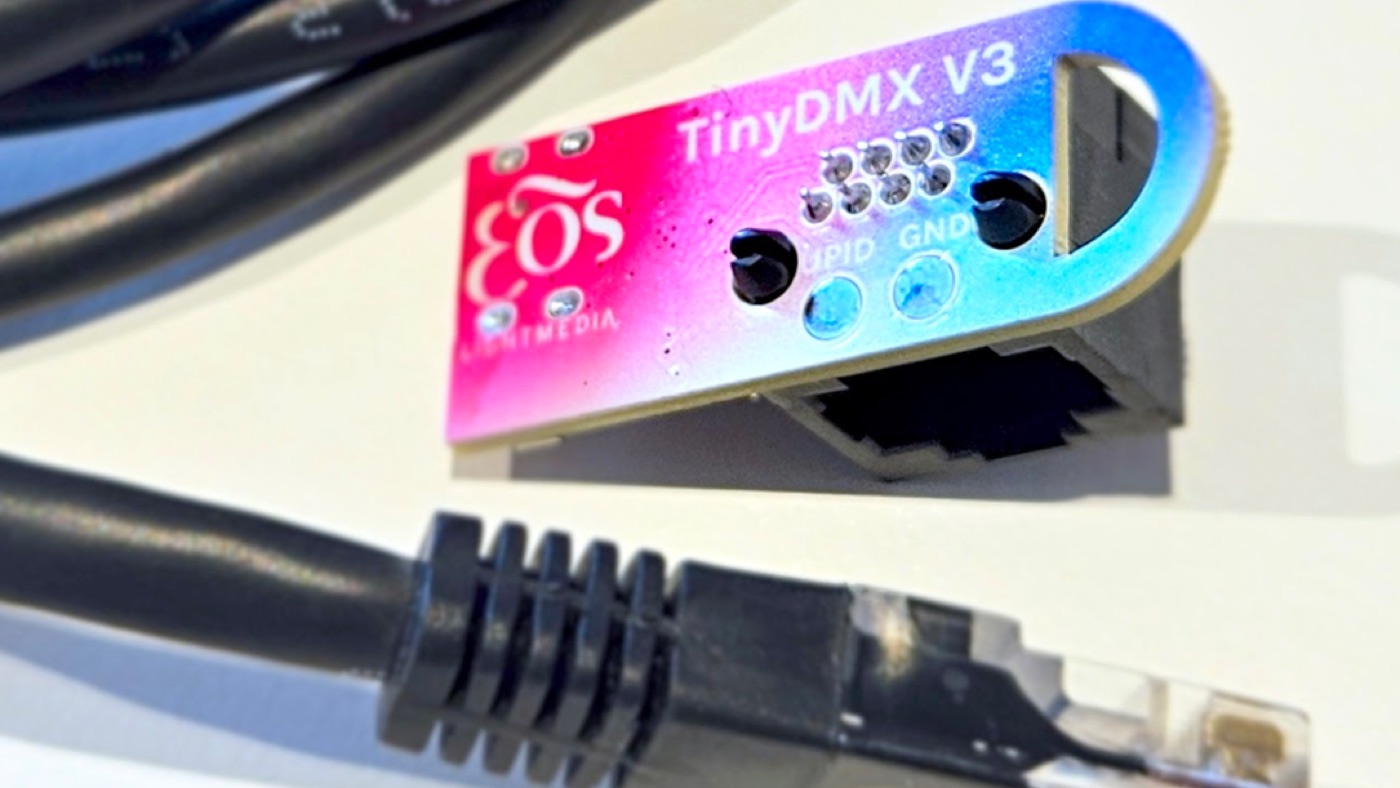
Whether you're testing data lines, checking terminations, or verifying mid-stream signal flow, TinyDMX sends out DMX512 control so you can troubleshoot quickly and confidently. No more risking your expensive console or unplugging half the rig. Just plug it in. Test. Done.
What is DMX?
DMX — short for Digital Multiplex — is a standardized protocol used to control lighting and effects equipment from a central source. It enables precise communication between controllers and devices such as lighting fixtures, fog machines, moving heads, and dimmers, all over a single data line.
Widely used in stage lighting, architectural installations, and live events, DMX is the backbone of modern lighting control, offering flexibility, reliability, and real-time responsiveness across complex setups.
Who can benefit from TinyDMX?
- Field technicians who need a fast, reliable way to verify DMX signal integrity on-site, without hauling out a full console.
- Electricians and general trades who may not be familiar with DMX but need to validate wiring or troubleshoot data lines.
- AV and lighting installers who want a quick go/no-go test tool during system commissioning.
- Anyone needing a lightweight, portable DMX tester to avoid delays, miswiring, or unnecessary back-and-forth on job sites.
Operating your TinyDMX
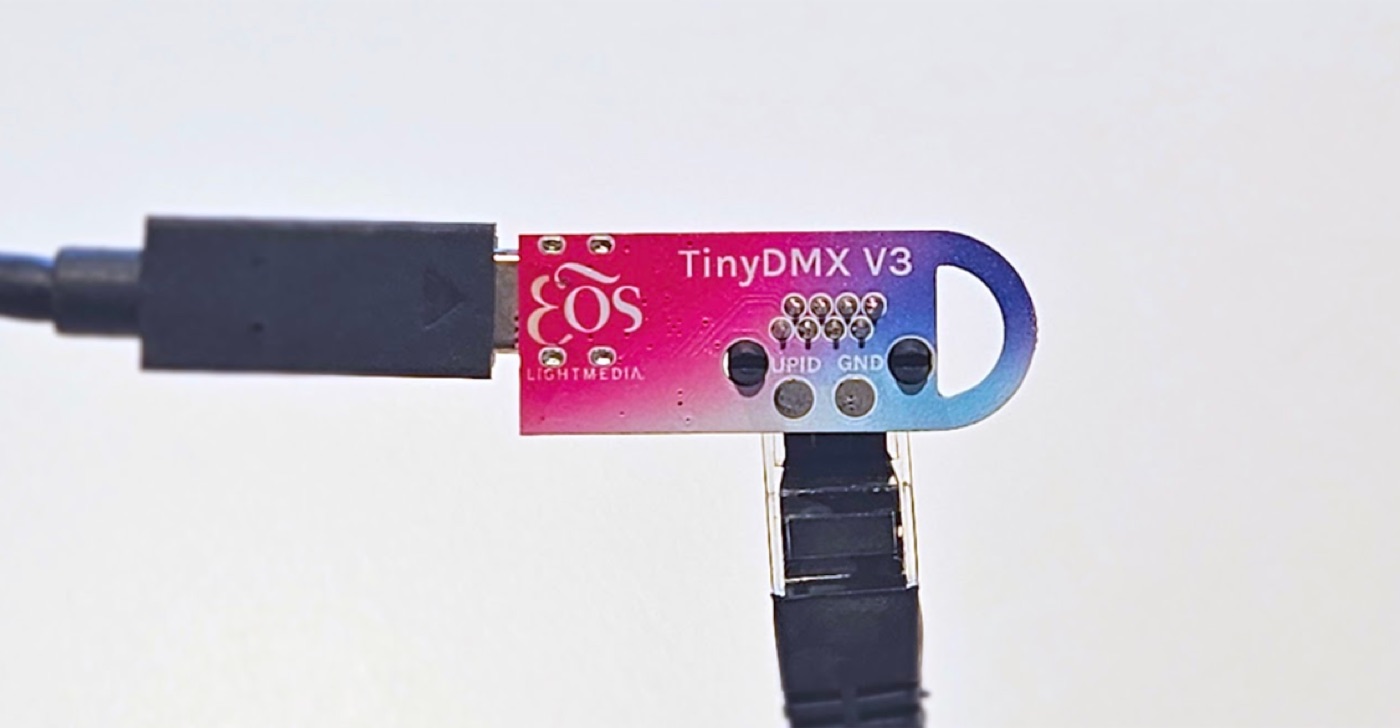
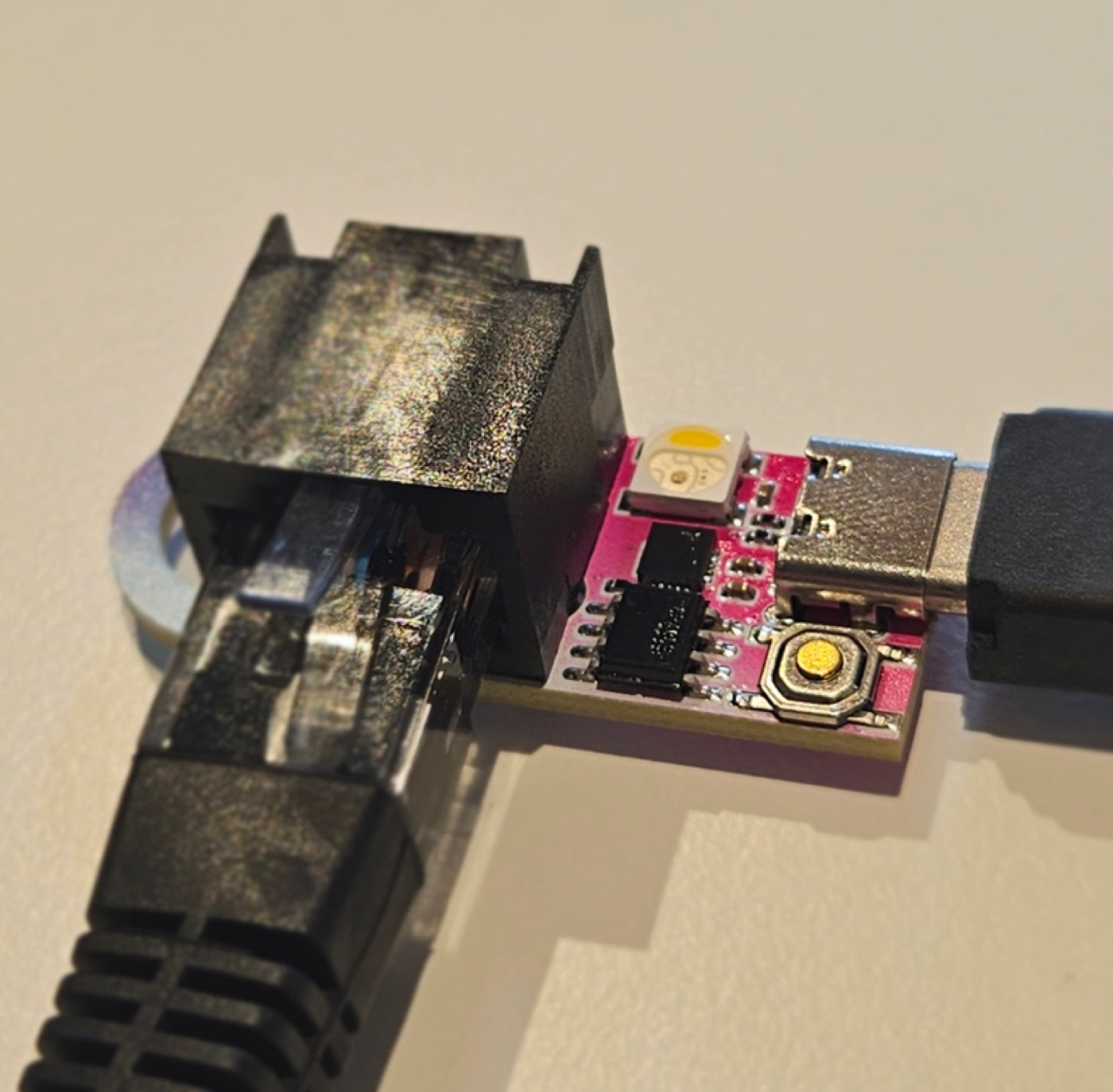
Getting started is simple. Connect TinyDMX to your lighting system, power it via USB-C, and use the built-in button to cycle test modes. No console required.
Connecting to Your Lighting System
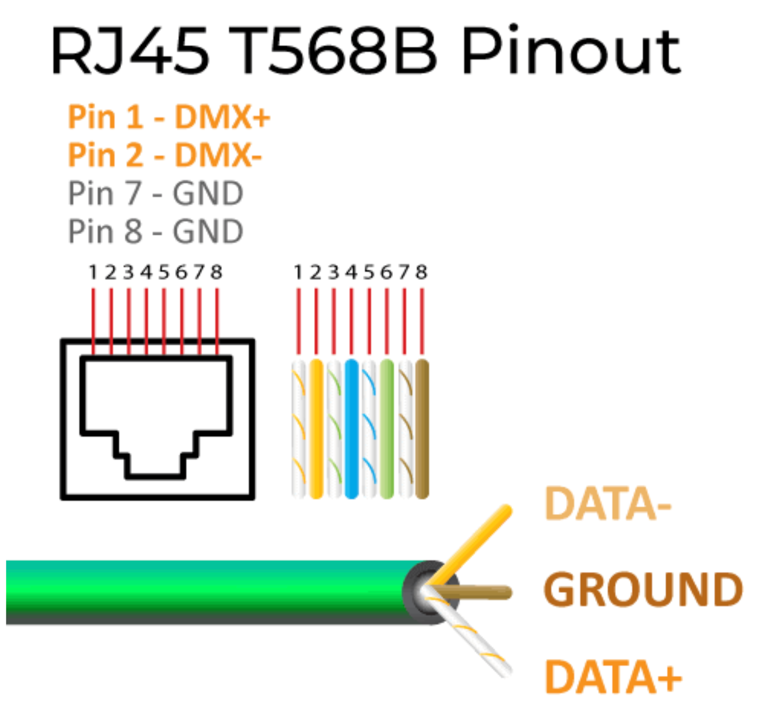
Use a modified CAT5 cable. Cut and strip one end, terminate the necessary wires, and connect to the DMX Out (RJ45) port on the TinyDMX.
| Wire | Signal |
|---|---|
| Orange / White | Data + |
| Orange | Data − |
| Brown or Brown / White | Ground |
Powering Your TinyDMX
Use a USB-C cable connected to any standard USB power source — a laptop, wall plug, or phone charger.
When TinyDMX powers on, it immediately sends a signal turning all connected lights to FULL — this is normal and confirms proper startup.
Controlling Lights
Press the Control Button to cycle through test modes. Each press changes the output, indicated by the LED on the unit.
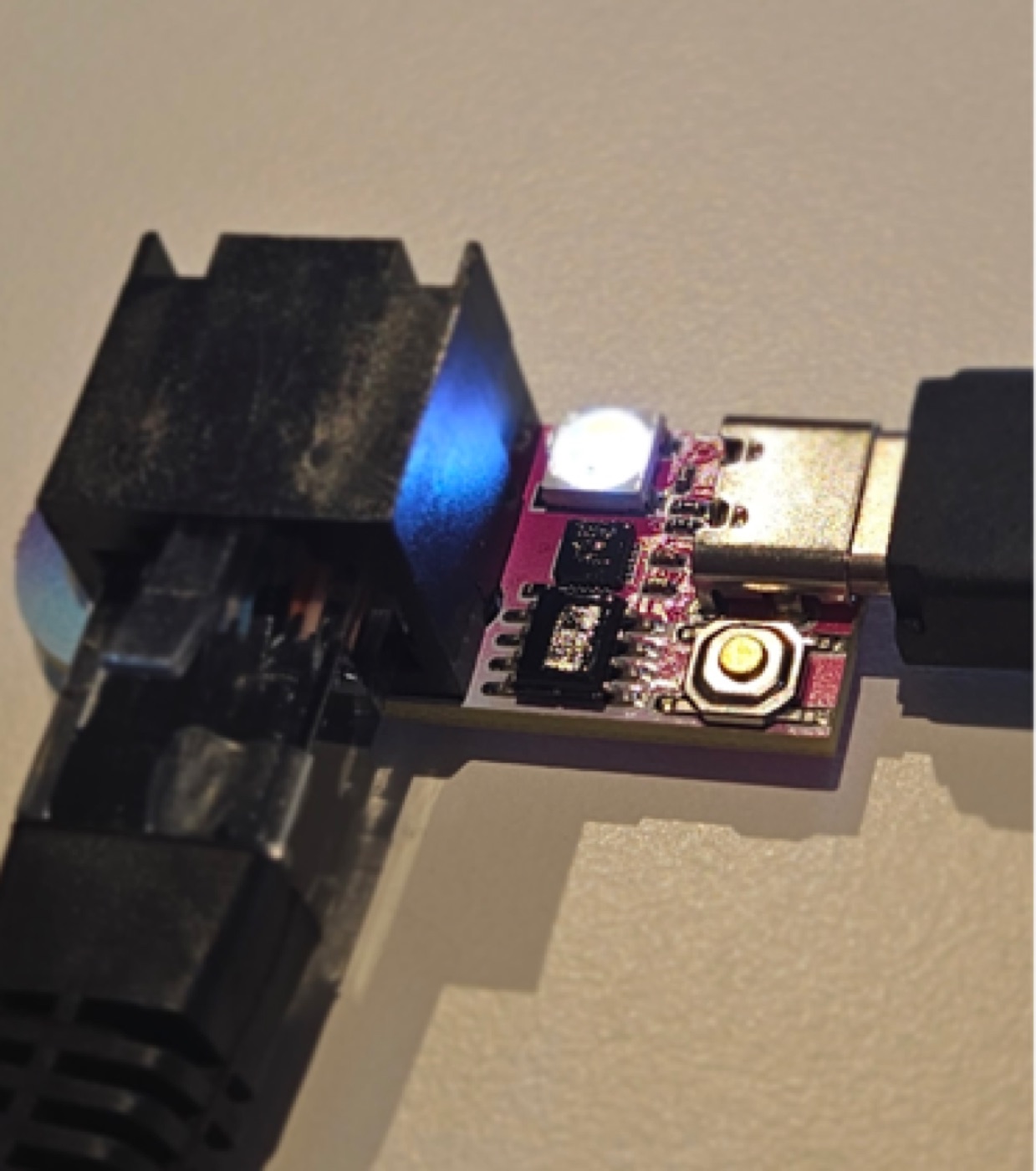
Standard
- Full White Light All channels at 100%
- Half White Light All channels at 50%
3-Channel RGB Fixtures
- Red Red channel only
- Green Green channel only
- Blue Blue channel only
4-Channel RGBW Fixtures
- Red Red channel only
- Green Green channel only
- Blue Blue channel only
- White White channel only
- Off All channels off
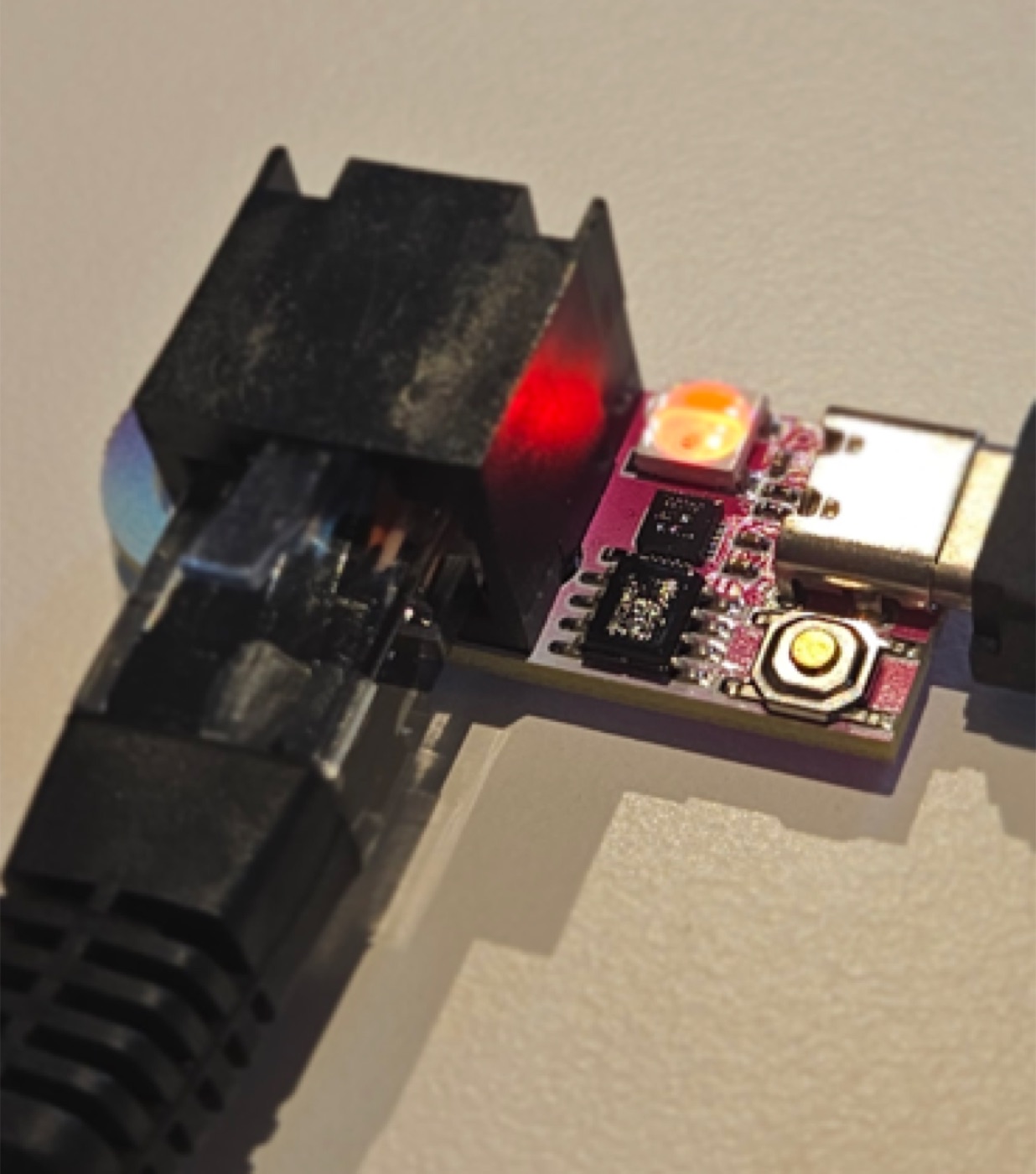
Important Disclaimer
We do not recommend using TinyDMX to test moving-light fixtures. Movement and pan/tilt functions can behave unpredictably when driven by TinyDMX test modes. TinyDMX is intended for basic fixtures and simple channel testing.
You're all set.
Test fixtures, troubleshoot data lines, make sure the job site is ready — TinyDMX gets it done fast. No console, no hassle.
Got feedback, suggestions, or ideas? We'd love to hear them.
Send Feedback